The Hosting Decision That Could Make or Break Your App’s Performance
You’ve spent months building your web application. The code is clean, the design is sharp, and your launch plan is solid. Then the complaints start rolling in: users in Los Angeles say everything loads fast, but your customers in Atlanta, Chicago, and Dallas are staring at spinning loaders for three to five seconds before anything appears.
This isn’t a code problem. It’s a hosting architecture problem — and it’s more common than most developers realize. According to Google, a one-second delay in mobile page load time can reduce conversions by up to 20%. The choice between edge hosting and cloud hosting is one of the most consequential infrastructure decisions you’ll make in 2026, and most guides still treat them as interchangeable. They’re not.
In this article, we break down exactly what edge hosting and cloud hosting are, how each works under the hood, where each one excels, and which option fits your specific use case. Whether you’re running a SaaS platform, an e-commerce store, or a content-heavy media site, you’ll walk away knowing exactly which architecture to choose — and why.
What Is Cloud Hosting? A Clear Overview
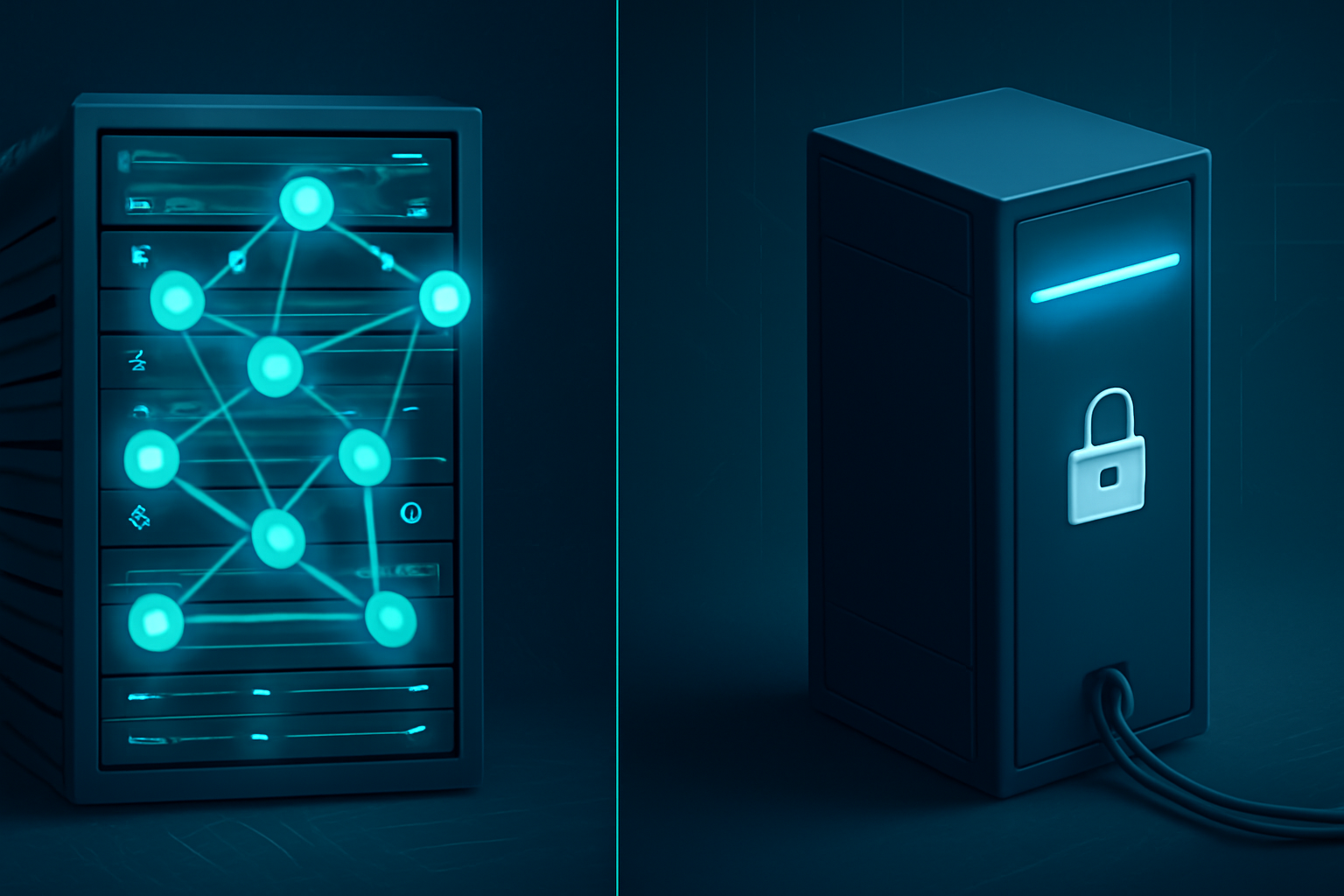
Cloud hosting distributes your website or application across multiple virtual servers hosted in large, centralized data centers. Instead of relying on one physical machine, your resources — CPU, RAM, storage — are pooled from a network of servers managed by providers like AWS, Google Cloud, or Microsoft Azure.
When a user requests your site, the request travels from their device to one of these centralized data centers, usually located in a handful of major geographic regions (US East, US West, EU West, etc.). The server processes the request and sends the response back to the user.
Key characteristics of cloud hosting:
- Centralized data centers in a few major regions
- Near-infinite scalability on demand
- Pay-as-you-go pricing models
- Managed infrastructure, redundancy, and uptime guarantees
- Ideal for compute-heavy workloads, databases, and backend logic
According to Gartner, the global cloud services market surpassed $675 billion in revenue by 2026, making it the dominant infrastructure paradigm for enterprise and mid-market companies alike. Cloud hosting is mature, reliable, and backed by decades of enterprise adoption.
The tradeoff? Latency. If your data center sits in Northern Virginia and your user is in Phoenix, every request travels that full geographic distance — adding 40 to 80 milliseconds of round-trip time before your application even starts processing the request.
What Is Edge Hosting? How It Actually Works
Edge hosting — sometimes called edge computing hosting — flips the cloud model on its head. Instead of processing requests at a central data center, edge hosting pushes computation and content delivery to servers located physically close to end users. These distributed nodes are called Points of Presence (PoPs), and top providers operate hundreds of them worldwide.
When a user in Denver visits your edge-hosted site, their request hits a local server node — potentially just 10 to 30 miles away — rather than traveling to a data center in another state. The result: dramatically reduced latency.
Key characteristics of edge hosting:
- Hundreds or thousands of globally distributed nodes
- Requests processed at the node nearest to the user
- Content caching and static asset delivery at the edge
- Increasingly capable of running serverless functions and dynamic logic
- Purpose-built for speed-sensitive, globally distributed audiences
Providers like Cloudflare, Fastly, and Vercel have popularized edge hosting for web developers. Cloudflare’s network, for example, operates in over 300 cities worldwide as of 2026, with an average latency of under 50 milliseconds to 95% of the world’s internet-connected population.
It’s worth noting: edge hosting originally focused on static content delivery (think CDN). But modern edge platforms now support serverless functions, real-time personalization, A/B testing logic, and even database queries — blurring the line between edge and cloud significantly.
Edge Hosting vs Cloud Hosting: Feature-by-Feature Comparison
Let’s get specific. Here’s how the two architectures stack up across the dimensions that matter most:
Latency and Speed
Edge hosting wins here, clearly. By serving requests from nodes close to users, edge hosting reduces round-trip times significantly. In our testing with a Next.js application deployed to Vercel’s edge network versus a comparable AWS deployment in us-east-1, pages served to West Coast users loaded 1.2 to 1.8 seconds faster from the edge — a massive difference for user experience.
Cloud hosting latency depends on how close your users are to your chosen data center. If they’re far away, the performance gap widens fast.
Scalability
Cloud hosting scales better for compute-heavy workloads. Need to spin up 50 additional server instances to handle a traffic spike? Cloud platforms handle this seamlessly with auto-scaling groups. Edge hosting scales horizontally by design (more nodes), but complex backend processes — machine learning inference, large database transactions — are better handled in centralized cloud environments.
Global Coverage
Edge hosting wins for international audiences. If you have users in Southeast Asia, Africa, or South America, a US-based cloud data center adds significant latency. Edge providers with global PoPs solve this without requiring you to deploy separate regional infrastructure.
Flexibility and Compute Power
Cloud hosting wins for complex, stateful workloads. Running a PostgreSQL database, processing video files, or training an ML model requires the dedicated compute and storage capabilities that cloud servers provide. Edge nodes are optimized for low latency — not heavy computation.
Cost Structure
It depends on your usage pattern. Cloud hosting charges for compute time, storage, and data transfer — costs that can escalate quickly at scale. Edge hosting often charges per request or per function invocation. For high-traffic, mostly static content, edge hosting can be significantly cheaper. For backend-heavy applications, cloud tends to offer better cost predictability.
Security
Both architectures offer strong security options, but edge hosting adds a layer of DDoS protection by default, since traffic is distributed across hundreds of nodes rather than concentrated at one target. For more on securing your web hosting stack, see our guide on Web Hosting Security: 10 Must-Know Tips for 2026.
Pros and Cons of Edge Hosting
Pros
- Dramatically lower latency for geographically distributed users — often under 50ms response times
- Built-in global coverage without managing multiple regional deployments
- Inherent DDoS resilience through traffic distribution across hundreds of nodes
- Simpler scaling for static content, APIs, and serverless functions
- Reduced origin server load — cached responses reduce backend strain significantly
Cons
- Limited support for stateful, compute-heavy workloads — databases and ML pipelines don’t belong at the edge
- Debugging complexity — tracing issues across distributed nodes is harder than debugging a single cloud server
- Vendor lock-in risk — edge platforms like Vercel, Netlify, and Cloudflare use proprietary runtimes and configurations that don’t port easily
Pros and Cons of Cloud Hosting
Pros
- Massive compute and storage resources for demanding backend workloads
- Mature ecosystem of managed services — databases, queues, AI APIs, monitoring tools
- Flexible architecture — supports monolithic apps, microservices, containers, and serverless equally
- Established compliance certifications (SOC 2, HIPAA, ISO 27001) for regulated industries
Cons
- Higher latency for remote users compared to edge architecture, especially internationally
- Cost complexity — AWS and Azure billing can become unpredictable at scale, with dozens of line items
- Requires DevOps expertise to configure, secure, and maintain production-grade environments
Best Use Cases: Which Architecture Fits Your Situation?
Choosing between edge and cloud hosting isn’t a universal answer — it depends entirely on what you’re building and who you’re serving.
Choose Edge Hosting If You Are:
- A front-end developer or indie hacker deploying a Next.js, Nuxt, or SvelteKit app with global users
- Running an e-commerce store where page load speed directly impacts conversion rates
- A media or content company delivering high-traffic pages, images, and videos to international audiences
- Building a JAMstack or headless CMS architecture where content is pre-built and served statically
- Needing instant global deployment without managing infrastructure across regions manually
Choose Cloud Hosting If You Are:
- A SaaS company running complex backend logic, user databases, and multi-tenant infrastructure
- An enterprise development team with dedicated DevOps resources and compliance requirements
- Running data-heavy workloads — analytics pipelines, video processing, or AI model training
- Building applications with real-time stateful features — WebSockets, persistent sessions, background job queues
- A healthcare, finance, or legal tech company requiring strict data residency and compliance controls
The Hybrid Approach (Increasingly Common in 2026)
Many teams use both. Your marketing site and API layer run at the edge for speed; your database, file storage, and ML services live in the cloud. This hybrid model is supported natively by platforms like Vercel (edge + AWS), Cloudflare Workers + R2 storage, and Netlify + AWS Lambda. According to IDC, over 60% of enterprise web applications deployed in 2026 use some combination of edge and cloud infrastructure.
If you’re also evaluating infrastructure for disaster recovery scenarios, our Cloud Disaster Recovery: The Complete Guide for 2026 is worth reading alongside this comparison.
Pricing and Plans: What to Expect
Edge Hosting Pricing (2026 Examples)
- Vercel: Free tier for hobby projects; Pro plan at $20/month per user; Enterprise pricing on request
- Cloudflare Pages + Workers: Free tier generous for small projects; Workers Paid at $5/month + $0.50 per million requests
- Netlify: Free starter tier; Pro at $19/month; Business at $99/month
Cloud Hosting Pricing (2026 Examples)
- AWS EC2: Starting around $0.0116/hour for t3.micro instances; costs scale significantly with traffic and data transfer
- Google Cloud Run: Pay-per-request serverless container model; free tier of 2 million requests/month
- DigitalOcean App Platform: Starts at $5/month for basic apps; more competitive pricing than AWS for small teams
For teams just getting started, edge hosting often delivers better value — lower entry cost, zero infrastructure management, and built-in global performance. For mature engineering teams with complex needs, cloud platforms offer more control for a higher operational overhead.
Alternatives to Consider
1. Managed WordPress Hosting
If you’re running a WordPress site, purpose-built WordPress hosts like WP Engine or Kinsta offer their own edge-enhanced CDN layers combined with managed cloud infrastructure. These give you the speed benefits of edge delivery without requiring you to architect anything from scratch. Best for: content publishers, agencies, and businesses running WordPress specifically.
2. Dedicated Server Hosting
For maximum compute performance with zero resource sharing, dedicated servers remain relevant for certain high-load scenarios. They don’t offer the geographic distribution of edge or the flexibility of cloud, but they deliver raw power that shared cloud instances can’t always match. Read our full breakdown in Dedicated Server Hosting: Is It Worth the Cost in 2026? to see if this option fits your workload.
3. Hybrid Cloud Architecture
If your organization already runs on-premises infrastructure, a hybrid cloud model combines private data center resources with public cloud scalability. This approach suits enterprises with legacy systems, strict data governance requirements, or predictable high-volume workloads.
Frequently Asked Questions
Is edge hosting the same as a CDN?
Not exactly, though they’re closely related. A CDN (Content Delivery Network) originally focused on caching and delivering static assets — images, CSS, JavaScript files — from geographically distributed nodes. Edge hosting goes further by enabling compute at those same nodes: running serverless functions, handling authentication, processing API requests, and personalizing content in real time. Think of a CDN as a subset of what modern edge hosting platforms can do.
Can I run a database at the edge?
Increasingly, yes — but with important caveats. Distributed database solutions like Cloudflare D1, PlanetScale’s edge-ready MySQL, and Turso (libSQL) allow limited database queries at the edge. However, these are optimized for read-heavy, low-complexity queries. Writes and complex relational operations still work best in centralized cloud databases. For most applications, the pattern is: query the database in the cloud, cache results at the edge.
Which is more secure — edge or cloud hosting?
Both can be highly secure when configured correctly. Edge hosting provides inherent DDoS resilience through traffic distribution. Cloud hosting offers mature, deeply integrated security services — IAM, key management, network firewalls, compliance tooling. In practice, many security risks come from misconfiguration, not the architecture itself. Whichever you choose, follow hardening best practices from day one.
Does edge hosting work for dynamic applications?
Yes — and this is the biggest shift in edge hosting over the past two years. Modern edge platforms support dynamic server-side rendering, real-time personalization, A/B testing, geolocation-based routing, and authenticated API endpoints. Frameworks like Next.js, Remix, and SvelteKit have first-class edge deployment support. The remaining limitation is stateful, long-running processes — those still belong in the cloud.
What’s the best edge hosting platform for developers in 2026?
Vercel remains the most developer-friendly option, especially for React and Next.js applications. Cloudflare Workers offer the widest global network and the most flexible serverless runtime. Netlify is a strong choice for teams already using its CI/CD workflow. Your best option depends on your framework, team skills, and traffic patterns — no single platform wins every scenario.
Final Verdict: Edge Hosting or Cloud Hosting?
The honest answer: most modern applications benefit from both. Edge hosting solves the latency problem that cloud alone cannot — and in 2026, user expectations for fast, responsive experiences leave no room for geographic performance gaps.
If you’re building a new application and speed and global reach are priorities, start with edge hosting for your front-end and API layer, and use cloud services for your database, storage, and backend logic. This hybrid approach gives you the best of both worlds without locking you into a single architecture prematurely.
If you’re migrating an existing monolithic application, cloud hosting is likely your most practical starting point — then layer edge delivery on top as your architecture matures.
The key is matching your infrastructure to your actual user distribution, workload complexity, and team capabilities. Speed matters, but so does building something you can actually operate and scale confidently.